
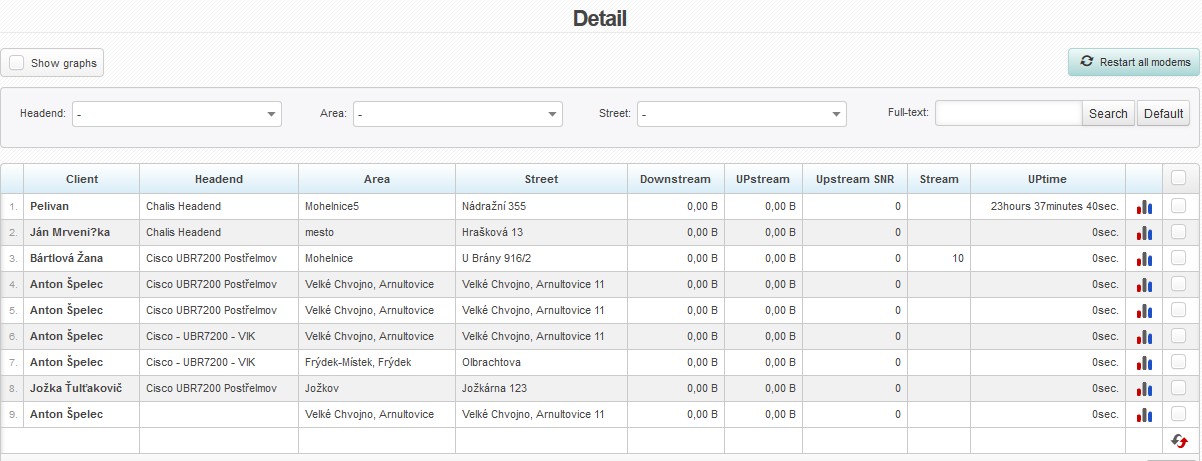
This is a detailed list of modems connected to individual headends.
 You can only select from Upstream by default. If you wish to be able to select from Downstream, too, set ID cable_ds_freq = 1 in Settings System Settings CATV General.
You can filter the clients by default filters.
| Show graphs | This options opens a modem signal graph, and a graph of transferred data for each client. |
| Restart all modems | Restart all modems, or check modems individually , and click on  to restart them. to restart them. |
 |
Ping to modem |