
Return overpayments in cash
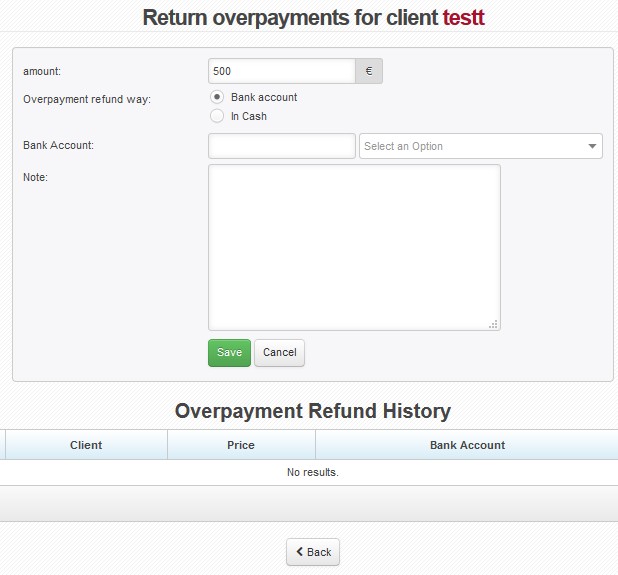
Enter amount, select In Cash and add Note (e.g. reason for refund). Press Save. Record is saved in Overpayment Refund History. Use  or
or  to print/display Cash Expense Receipt.
Return overpayment to bank account
Enter amount, select Bank Account (The system automatically fills in bank account number from Client Card, and also proposes bank account numbers used for payments of invoices in the past.) and add Note (e.g. reason for refund). Press Save. Record is saved in Overpayment Refund History. Bank account transfer needs to be done manually or using Bulk order function.
You can delete saved overpayment with  .
.
All overpayments are filed in Invoicing Overpayments Returned.