
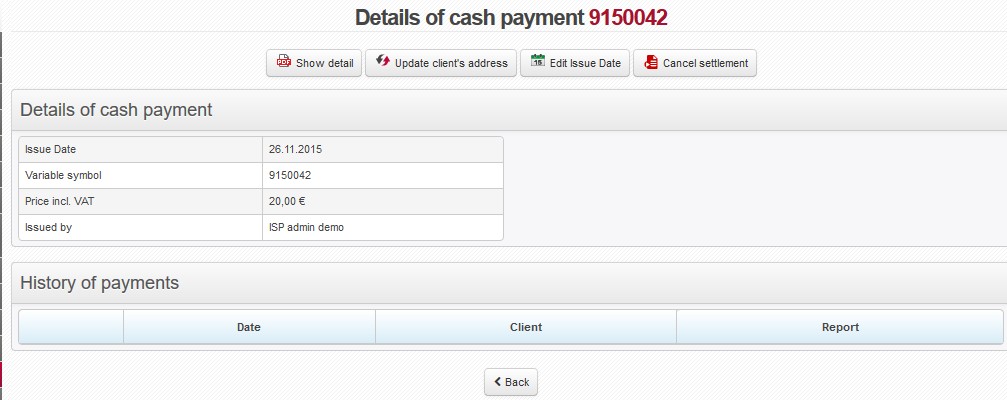
 Show detail Show detail |
Opens/saves cash receipt for further print or display (pdf) Select form of cash receipt in Invoicing Settings General, ID hotovostni_doklad. The receipt consists of 2 identical parts, one of which you keep for yourself and the other one you give to the customer. The options are:
|
||
 Update client's address Update client's address |
If client changes invoicing data after receipt has been issued, update data in Client card and use this option to reflect the changes on cash receipt. This will not issue a new cash receipt, it only modifies the existing one. | ||
 Edit Issue Date Edit Issue Date |
Confirm it to modify date on cash receipt. In case the cash receipt is modified, settlement date on all invoices paid by this cash receipt will be modified as well. | ||
 Cancel payment Cancel payment |
If you wish to cancel issued receipt press this button to do so, and insert cancel payment reason. |
History of payments
It displays history of a cash receipt.